 020 3397 5159
SharePoint Backup for Microsoft 365 and SharePoint Server
Microsoft hosts your SharePoint. It does not back it up for you. Delete a document library, lose a site to ransomware, or have a leaver clear out a team site, and the recycle bin buys you 93 days at most before that data is gone permanently.
BackupVault backs up SharePoint Online and SharePoint Server every day to UK and European data centres, with file, library and whole-site restore in a few clicks. It is part of our wider Microsoft 365 backup, still called Office 365 backup by plenty of the IT teams we speak to, and you can run it on its own or alongside Exchange, Teams and OneDrive.
Does Microsoft back up SharePoint?
No. Microsoft keeps SharePoint running and available. What lives inside it is your responsibility, and Microsoft says so in the Services Agreement. That split is the Shared Responsibility Model, and it catches out more IT teams than any other assumption about Microsoft 365.
The features people mistake for a backup are really availability features:
- The recycle bin holds deleted items for 93 days across both stages, then removes them for good.
- Version history only helps while the item still exists. Delete the file and its versions go with it.
- Retention policies preserve data for compliance. They are not built to restore a site to how it looked last Tuesday.
- Nothing in the platform stops ransomware encrypting files that then sync straight back into SharePoint.
What SharePoint data we back up
- Document libraries and files
Every library on every site, including large libraries that time out when you try to download them by hand. - Lists and list items
Custom lists, issue trackers, calendars and the data in them. - Site pages and site structure
Pages, web parts, navigation and subsites. - Permissions and sharing
Site, library and item-level permissions, plus sharing links, so a restored site behaves the way it did before. - Version history
Previous versions come back with the file rather than being flattened into a single copy. - Metadata and content types
Columns, managed metadata and content types that your workflows depend on. - Teams-linked SharePoint sites
The SharePoint site behind every Team, where Teams files actually live. Pair it with our Microsoft 365 Teams and Groups backup for the full picture. - SharePoint Server
On-premises farms as well as SharePoint Online, including hybrid setups running both.
How to back up SharePoint, and where each method stops
Manual download to a local drive
Open the library, select the files, choose Download. SharePoint zips them and sends them to your machine. Fine for one folder before a migration.
- Large libraries time out mid-zip, and you often will not know which files were missed.
- Permissions, version history and metadata are all stripped out. You get files, not a site.
- Somebody has to remember to do it, every week, forever.
OneDrive sync
Syncing a library to File Explorer gives you a local copy, which feels like a backup right up to the moment you need one.
- Deletions sync too. Remove a file in SharePoint and it disappears from the synced folder.
- Ransomware on one synced laptop encrypts the files and pushes them back up to the site.
- Sync is designed to make two copies match, not to keep an independent copy safe.
Version history
Every document library keeps previous versions, and restoring one takes seconds. Genuinely useful for the everyday case of somebody overwriting a spreadsheet.
- Versions live inside the file. Delete the file and the history goes with it.
- Version limits are configurable, and most tenants are set well below what a real recovery needs.
- It does nothing for a deleted list, a deleted site or a corrupted permission set.
The recycle bin
Deleted items sit in the site recycle bin for 93 days, then move to the second-stage bin that only an admin can see, inside the same 93 days.
- 93 days is the ceiling, not a starting point. Plenty of data loss is found months later.
- An admin emptying the second-stage bin removes the last copy.
- It restores individual items, not a site to a point in time.
Where a third-party backup is different
A backup keeps an independent copy, outside your tenant, that nothing inside the tenant can reach or delete. That is the part none of the native options give you, and it is the reason Microsoft recommends a third-party backup in the first place.
How BackupVault SharePoint backup works
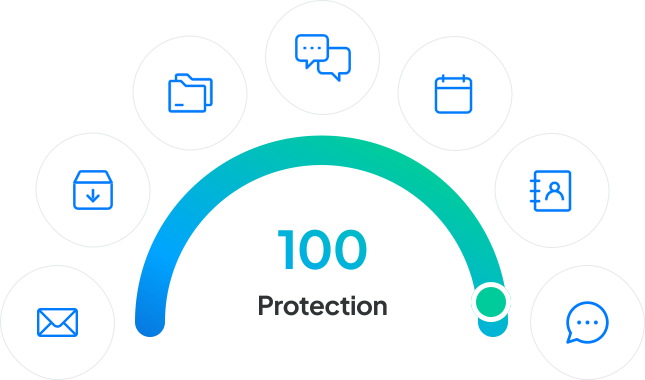
Setup is a single connection to your tenant through Microsoft Entra ID. No agents on servers, no scripts to maintain, nothing for your users to notice.
- Automated daily backups, or more often if you need them, with no manual step.
- AES-256 encryption in transit and at rest, with the keys held by you.
- Immutable copies that ransomware cannot encrypt or delete.
- Storage in UK and European data centres, which keeps GDPR and data residency straightforward.
- Unlimited retention, so a file deleted three years ago is still there.
- UK-based support on the phone 24 hours a day.
Restoring SharePoint data
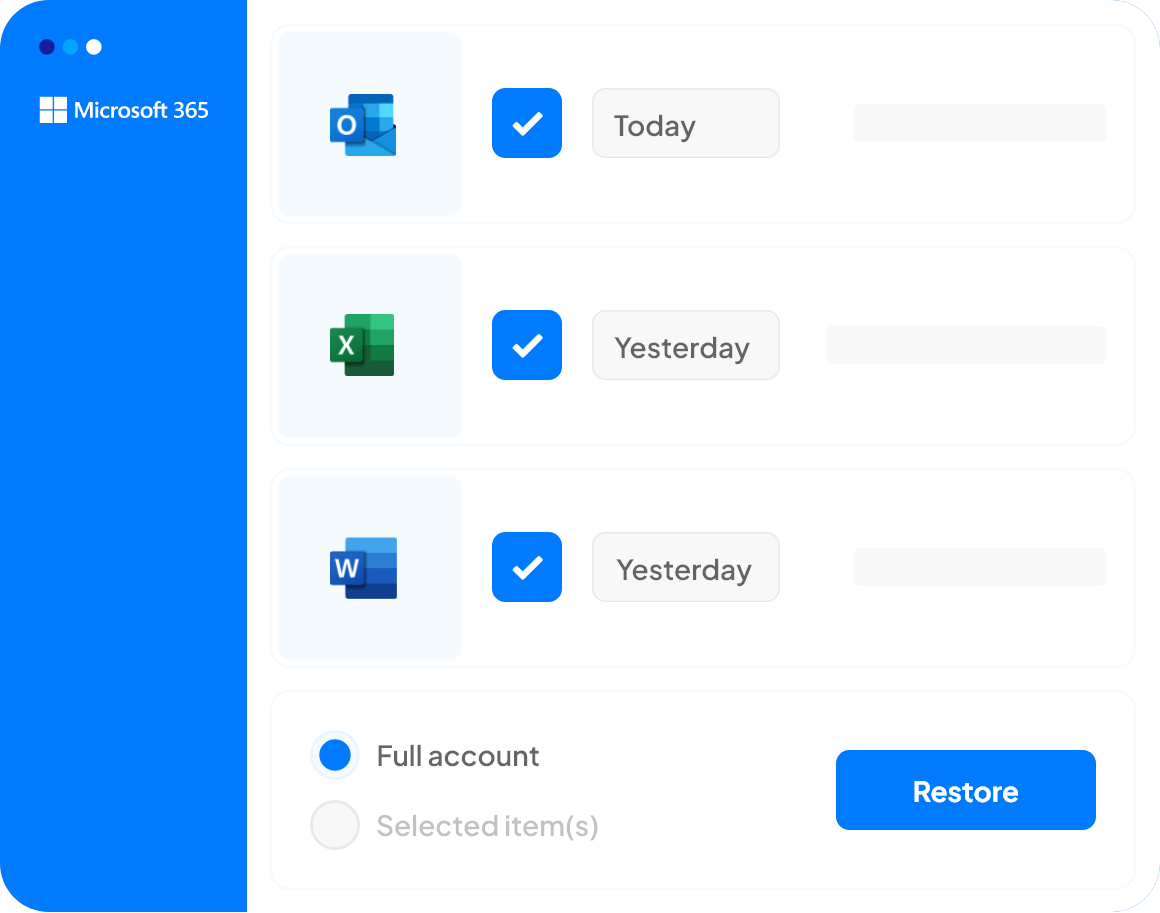
Backups only matter on the day you need them back, so restore is where we spend the effort. It works the same way whether the site sits in Microsoft 365, in an older Office 365 tenant, or on SharePoint Server in your own rack.
- Any level
A single document, a folder, a whole library, an entire site collection. Search the backup and pull back exactly what you need. - Any point in time
Roll a site back to how it looked before the deletion, the bad sync or the ransomware. - Non-destructive
Restores sit alongside live data rather than overwriting it, so recovering the wrong version costs you nothing. - Export out
Pull SharePoint data down to local storage in a standard format for legal hold, an audit or a tenant move. - Permissions intact
Restored sites come back with their sharing and access settings, not as an open folder of loose files.
SharePoint Server and on-premises
- SharePoint Server farms backed up to the same UK and European data centres as your cloud data.
- Content databases, site collections and configuration, not just the file shares.
- Hybrid environments managed from one console, so there is a single place to check that everything ran.
- Restores into either environment, which makes a staged migration considerably less nervous.
Our wider UK cloud and server backup covers the rest of the on-premises estate if you need it, and Microsoft cloud migration if the plan is to move.
BackupVault SharePoint backup features

Unlimited cloud storage
Back up every site collection and document library without watching a storage quota.

Non-destructive restore with unlimited retention
Recover SharePoint data from any point in time without overwriting what is live.

Item-level recovery
Pull back a single document, a list item, a library or a full site, and export archives to local storage.

Direct Microsoft 365 connection
Connects through Entra ID in minutes. No agents, no scripts, nothing running on your servers.

Immutable, encrypted copies
AES-256 in transit and at rest, held in immutable storage that ransomware cannot reach.

Search across your backups
Find the file or list item you need by name, date or content instead of trawling site by site.

One console for the whole tenant
SharePoint, Exchange, OneDrive and Teams in one place, with a daily report of what ran.

Automated schedules
Daily backups by default, more often if you need them, with alerts when something does not complete.

24/7 UK support
Real people on the phone in the UK, at whatever hour the restore turns out to be needed.
GDPR, CCPA and governance compliance
The documents in your SharePoint sites sit under the same regulatory rules as everything else you hold. We keep every backup encrypted in UK and European data centres, with audit trails and retention you control, so an ICO request or a client audit is a report rather than a fire drill.
Hear from our satisfied customers
“I have peace of mind knowing our data is secure, backed up daily and easy to restore.”

“BackupVault complies with our Law Society rules and keeps our data securely in the UK.”

“We recovered our files in minutes after a disk failure. No stress.”

“A system crash didn’t slow us down—our data was restored remotely with zero service loss.”

“Secure, encrypted backups with outstanding support. Best we’ve used.”
Common SharePoint backup questions
The questions we get asked most often about backing up SharePoint Online and SharePoint Server.
No. Microsoft keeps the SharePoint service running and available, but under the Shared Responsibility Model in its Services Agreement the data inside it is yours to protect. Microsoft recommends a third-party backup for exactly this reason.
You can download libraries by hand, sync them with OneDrive, rely on version history or lean on the recycle bin, and each of those covers a narrow case. For a copy that survives deletion, ransomware and a departing admin, connect a third-party backup to your tenant. BackupVault does that through Entra ID and runs daily from then on.
Yes. Office 365 is the old name for Microsoft 365, and SharePoint Online works the same way under both. Connect the tenant once and BackupVault backs up every site collection, document library and list on a daily schedule, with the option to run it more often.
There are four, and only one of them is a real backup. The recycle bin gives you 93 days. Version history helps until someone deletes the item itself. Retention policies hold data for legal reasons rather than restoring it on request. A third-party backup keeps a separate copy outside the tenant, which is the only option that survives a deleted site, a compromised admin account or ransomware.
Open the backup, pick the date you want, then choose the site, library, folder or single file. BackupVault restores it alongside your live data with sharing and permissions intact, so nothing is overwritten while you check the result. A full site collection restore follows the same route as a single document.
93 days. Items sit in the site recycle bin, then move to the second-stage bin that only an administrator can see, and the 93 days covers both stages. After that they are gone, and an admin can empty either bin sooner.
Yes. You can export data out of BackupVault to local storage in a standard format, which is what most people need for legal hold, an audit or a tenant migration. Doing it the manual way, by downloading libraries through the browser, tends to fall over on large libraries and loses permissions, versions and metadata.
Not on its own. Version history restores a previous version of a file that still exists. It does nothing once the file, the list or the site has been deleted, and version limits are usually set lower than people expect.
Yes. You can back up and restore at whatever level suits, from a single document up to a whole site collection, without touching the rest of the tenant.
Yes. We cover on-premises SharePoint Server farms alongside SharePoint Online, including hybrid setups running both, managed from the same console.
SharePoint backup is priced per user as part of Microsoft 365 backup, with no charge for storage. See our pricing for the current rates, or start a free 30-day trial and pay nothing until you decide.
In UK and European data centres. Nothing leaves the region, which keeps GDPR and data residency questions straightforward. Read more about our UK data centres.
Start your free 30-day SharePoint backup trial
Connect your tenant, let the first backup run, and see your SharePoint sites restored before you pay anything. No card needed.
Or call us on 020 3397 5159 and we will walk through it with you.
